Type your Mac's missing letters from your iPhone.
Japanese, Korean, Arabic and more — appearing as you type, with no Send button.
Free on both devicesYour Wi-Fi, no cloudEvery scriptReal modifier keys
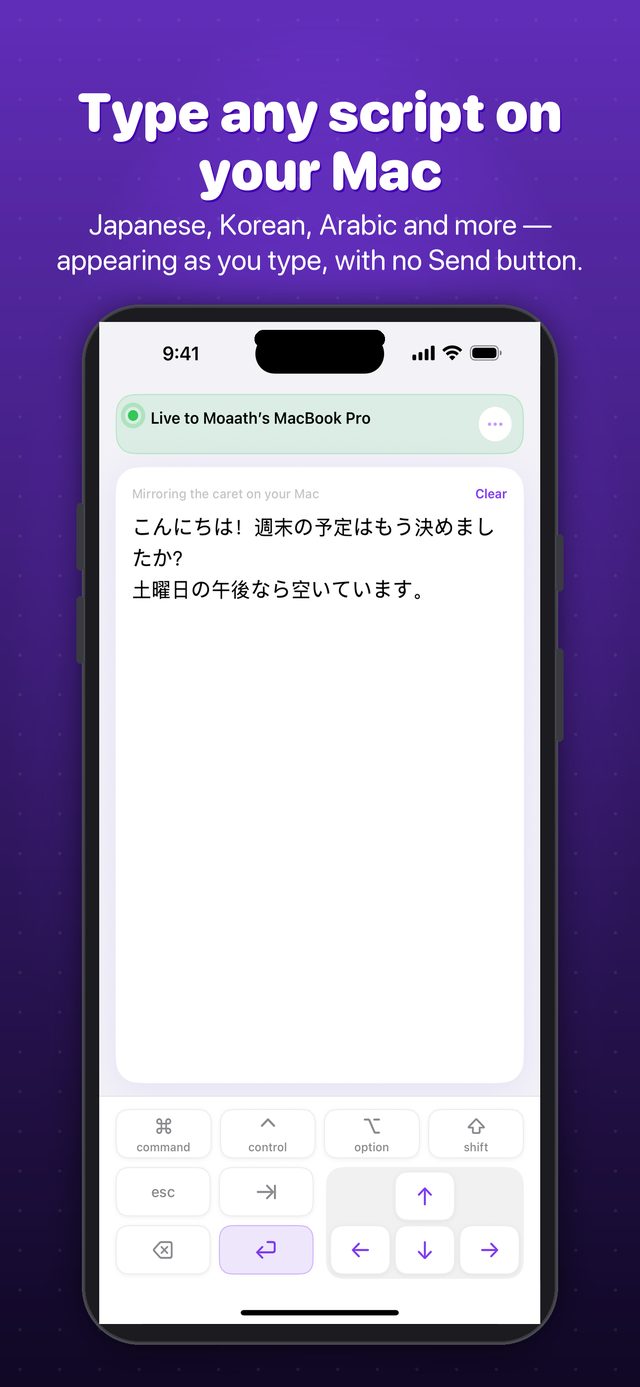
Japanese, Korean, Arabic and more — appearing as you type, with no Send button.
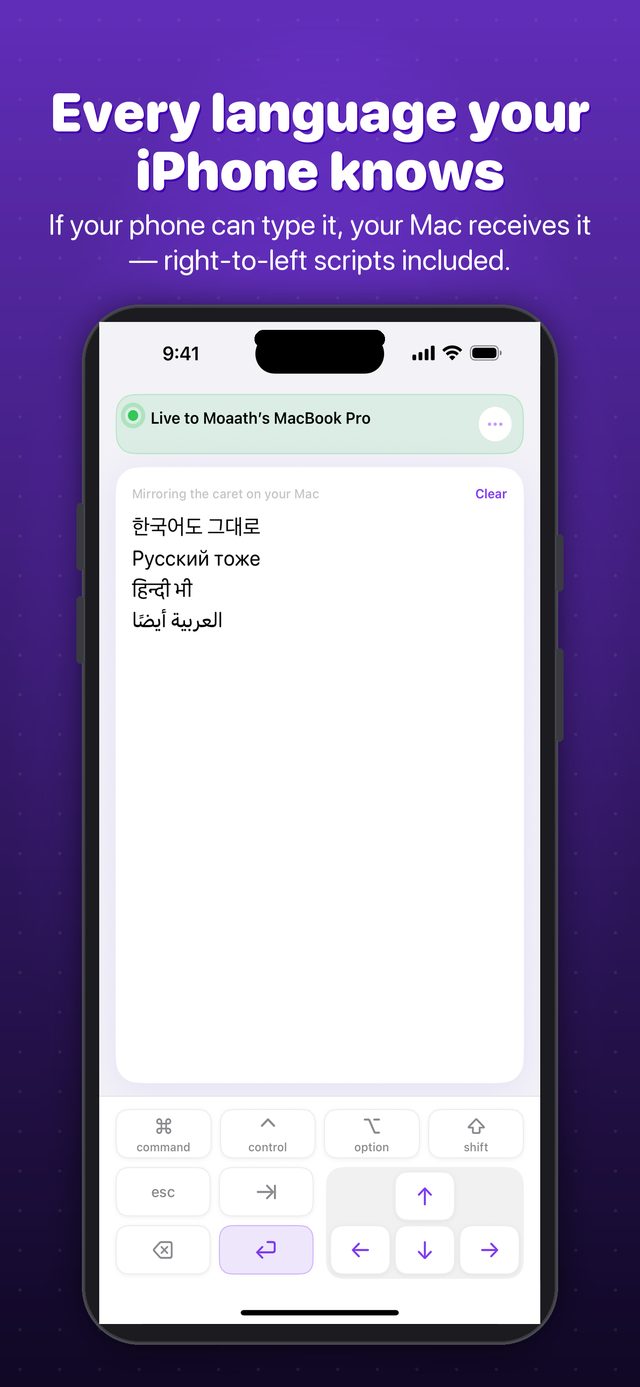
If your phone can type it, your Mac receives it — right-to-left scripts included, appearing keystroke by keystroke, no buffer and no Send button.
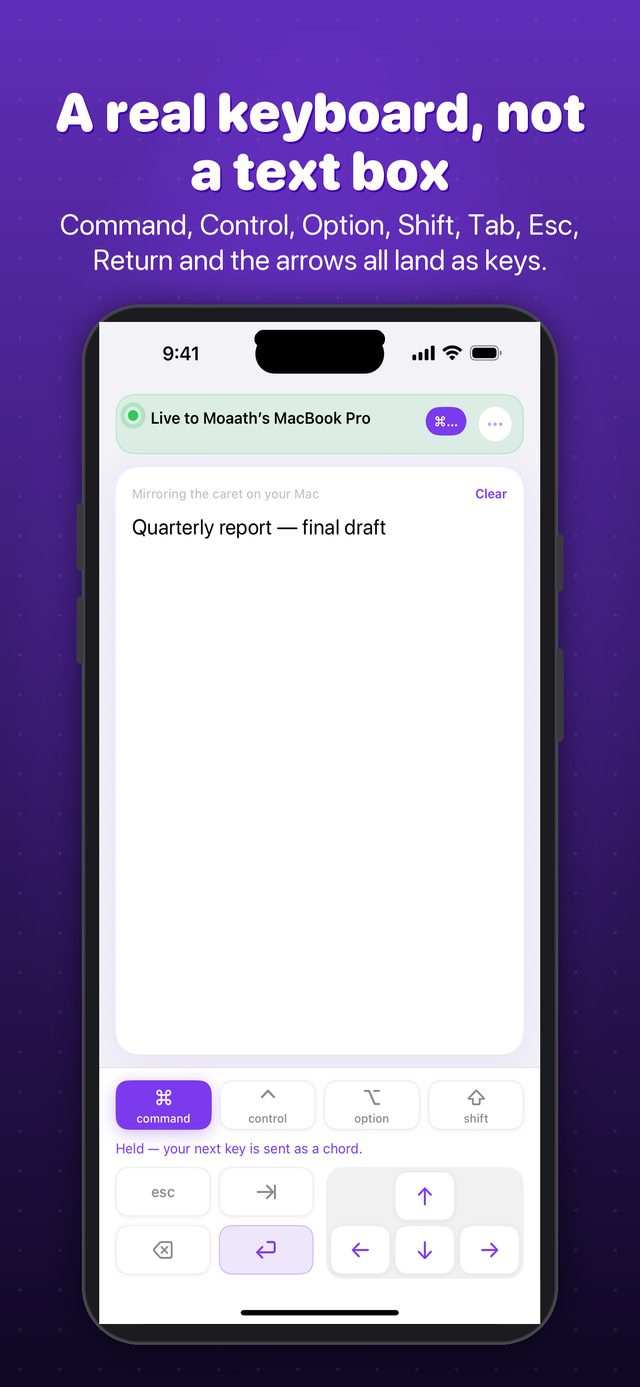
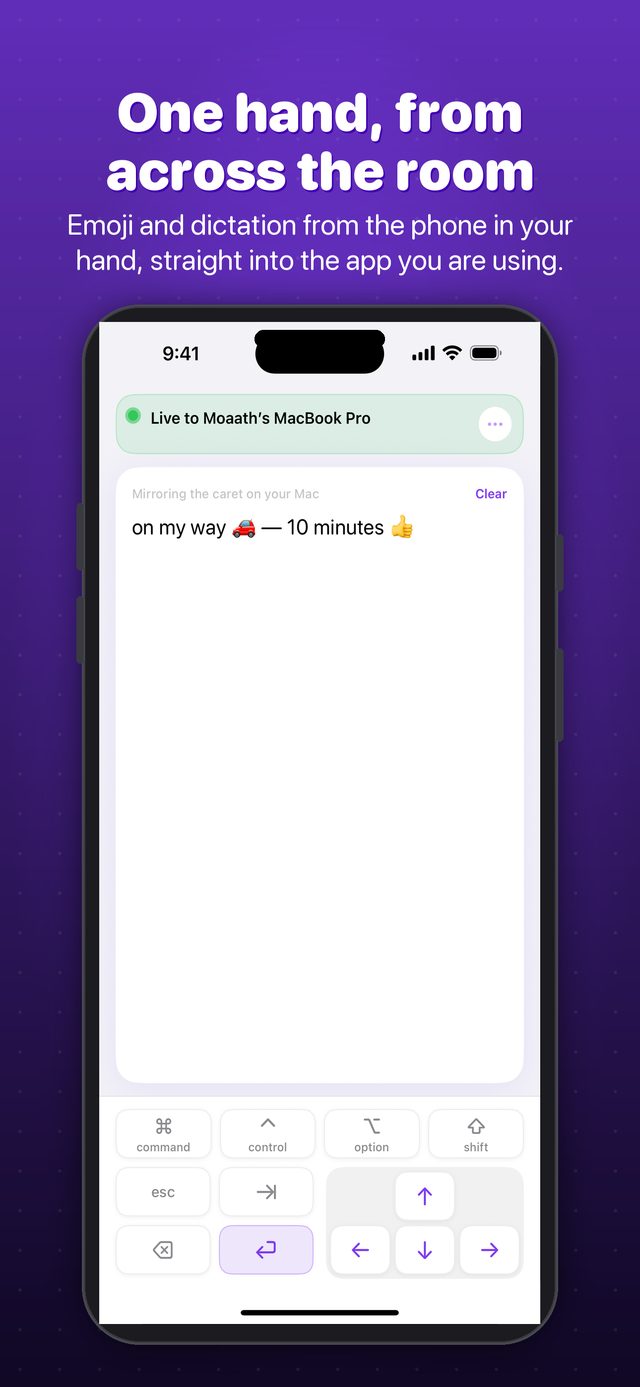
Command, Control, Option, Shift, Tab, Esc, Return and the arrows all land as actual keys.
Pair once by scanning a code on your Mac's screen. Keystrokes travel over your own network and nowhere else.
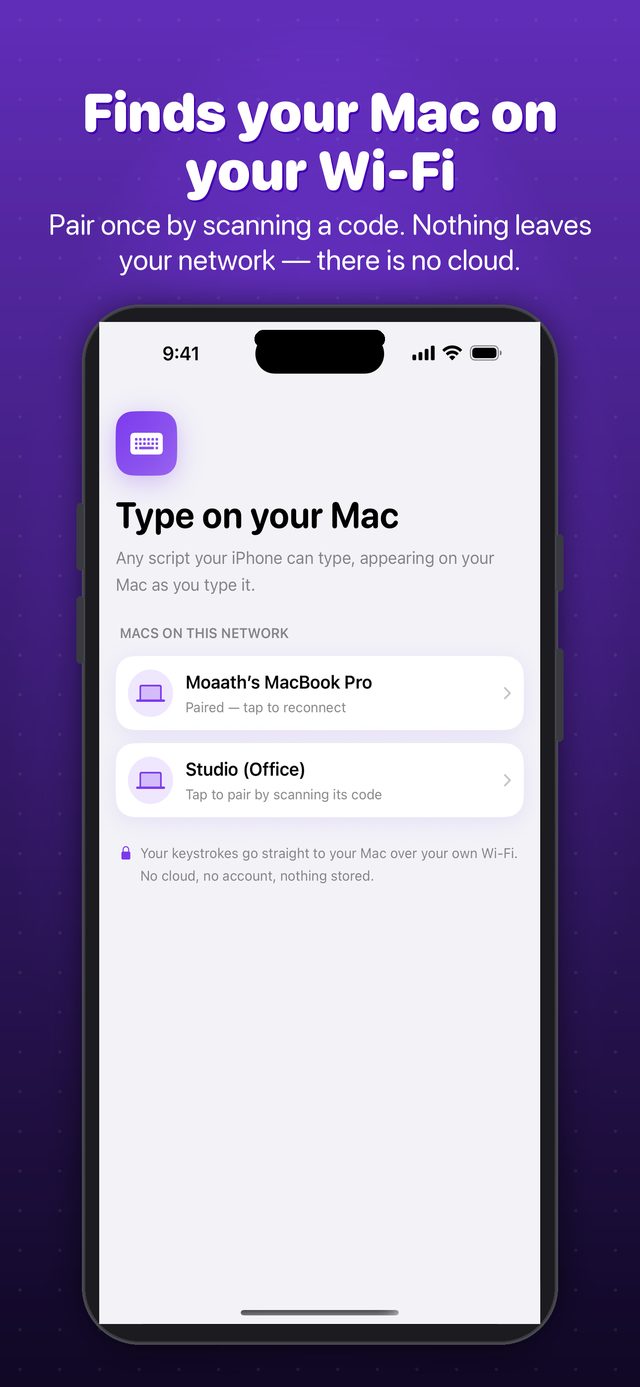
The Mac side sends key presses. It never reads your screen, and it never logs what you type.
Emoji and dictation from across the room — anything your iPhone keyboard can produce.
The keyboard is free on both devices. The optional trackpad mode is a $4.99 one-time unlock.
On your iPhone
On your Mac
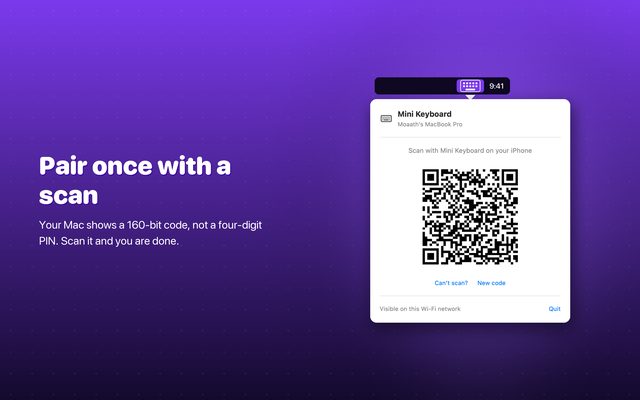
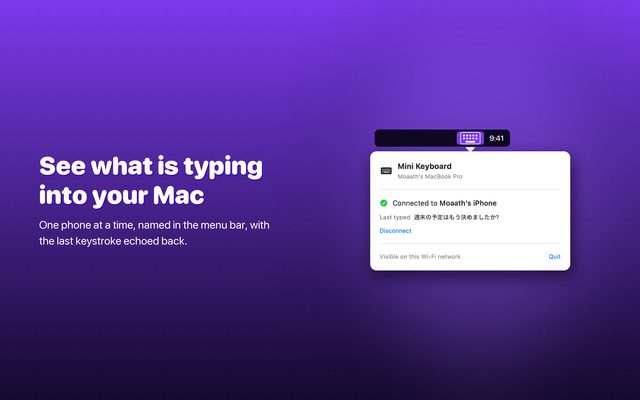
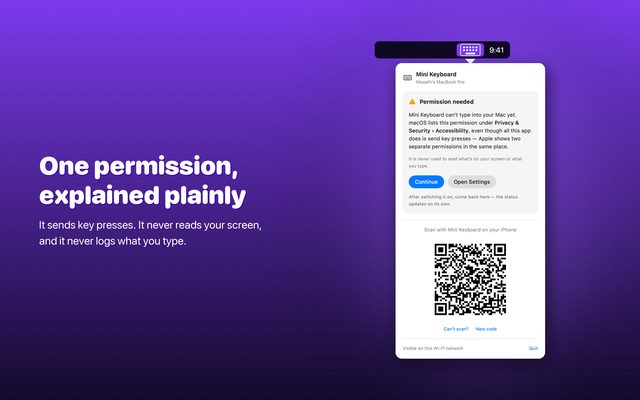
The keyboard — every script, every modifier — is free on both devices. The optional trackpad mode is a $4.99 one-time unlock. No subscription, no account.
No. Discovery and typing happen over your local Wi-Fi network. There is no cloud relay and no account. See the Privacy Policy.
Yes — the free Mac receiver sits in your menu bar, and the iPhone app is the keyboard. Pair them once with a scan.
Any keyboard installed on your iPhone, including IME-composed scripts like Japanese and Korean, right-to-left scripts, emoji, and dictation.
 Rowmend
 FairDocs
 FairInvoice