Mix your perfect sleep sound.
10 sounds free. Layer them. Set a timer. Let Hush carry you off. No account, no subscription required.
10 sounds free forever$9.99 once for ProNo accountPlays screen-locked
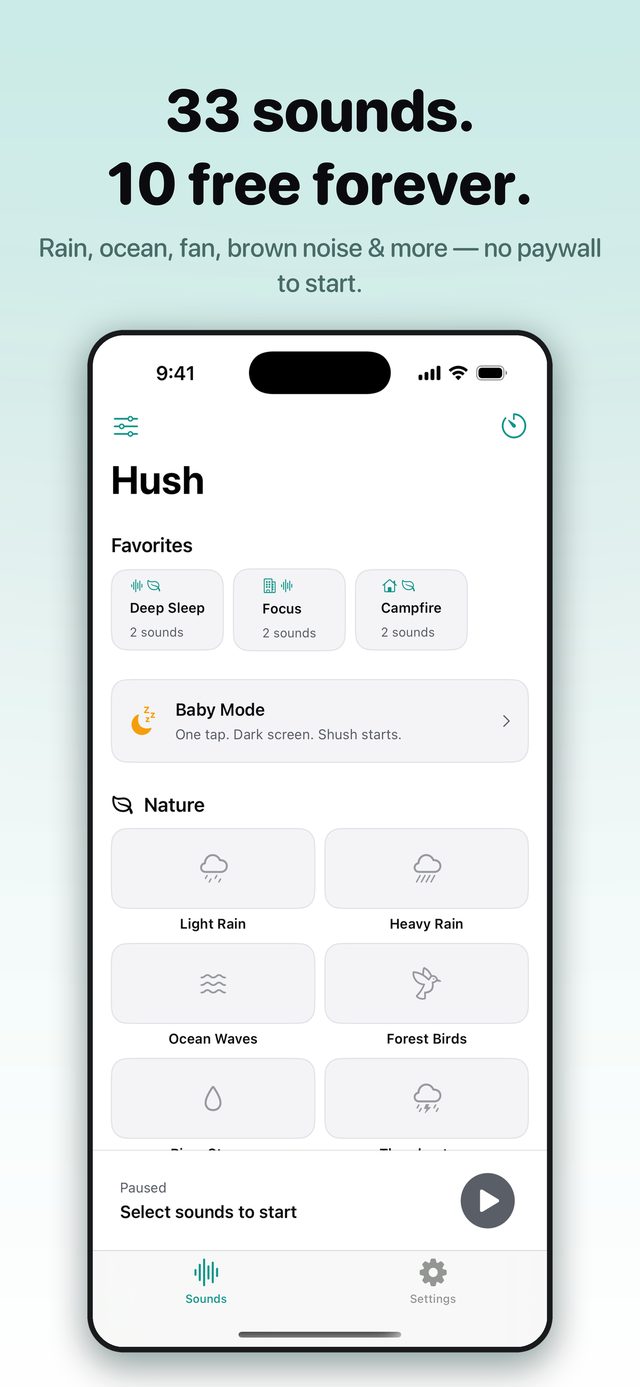
10 sounds free. Layer them. Set a timer. Let Hush carry you off. No account, no subscription required.
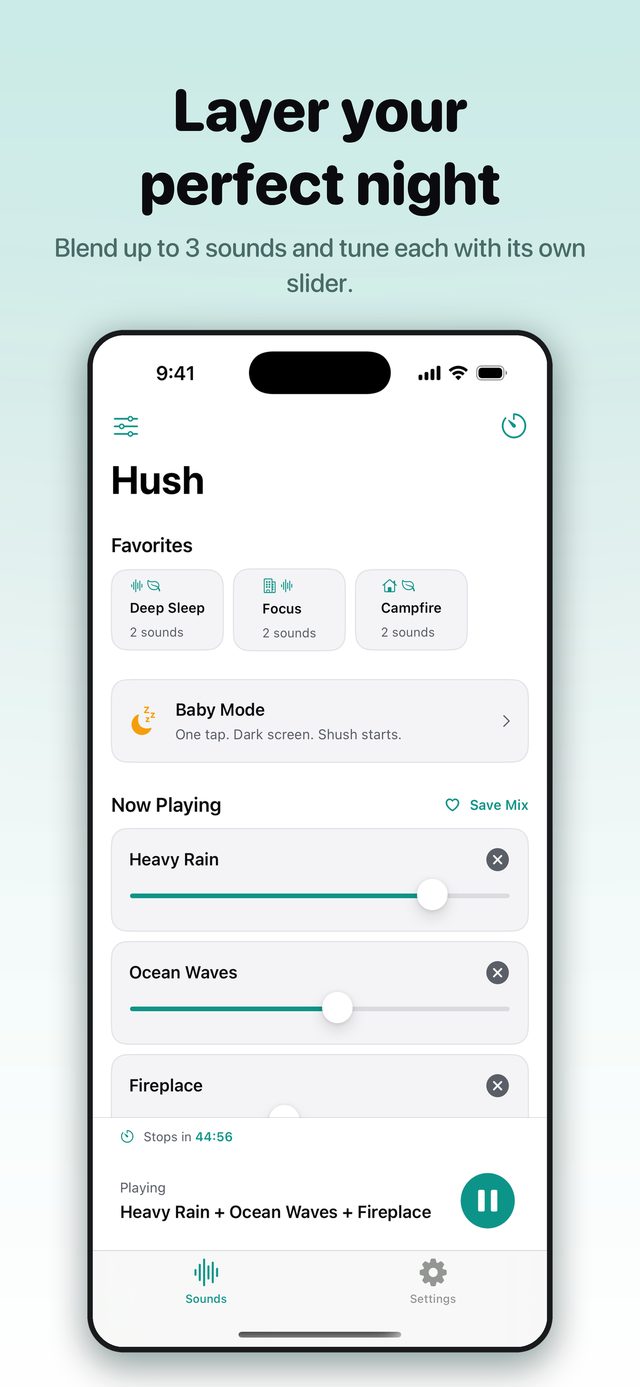
Stack up to 4 sounds and control each volume independently. Your mix, saved automatically.
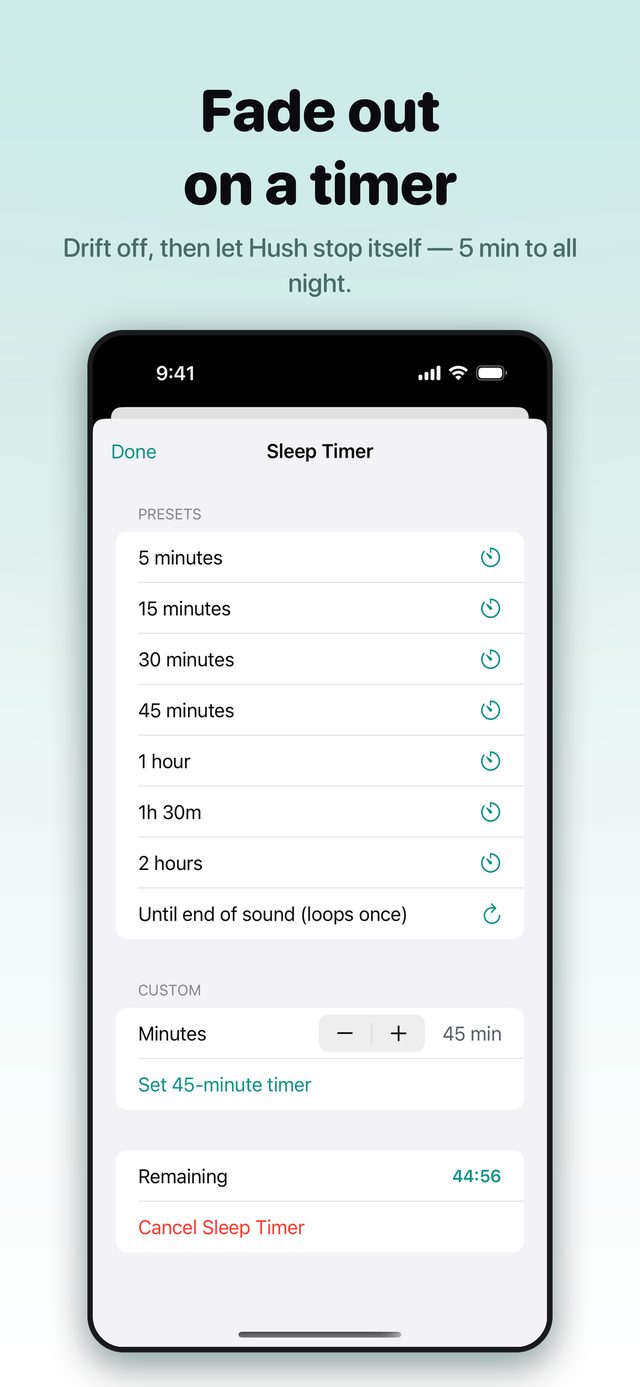
15 min to 8 hours. Hush fades out gently — no jarring cutoff to wake you back up.
Brown noise, white noise, rain, ocean, fan, fireplace, and more. No 7-day trial.
Lock your screen. Hush keeps playing. No need to keep the app open all night.
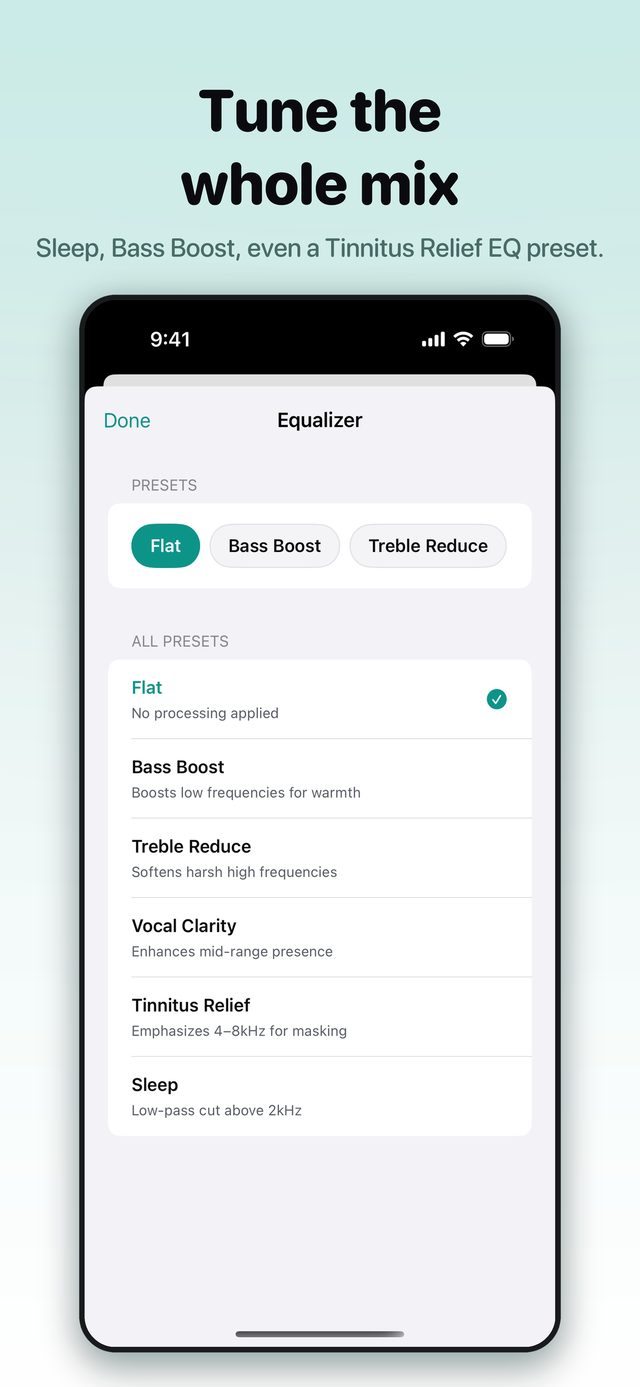
Shape any sound to your ears — softer highs for sleep, deeper lows for focus.
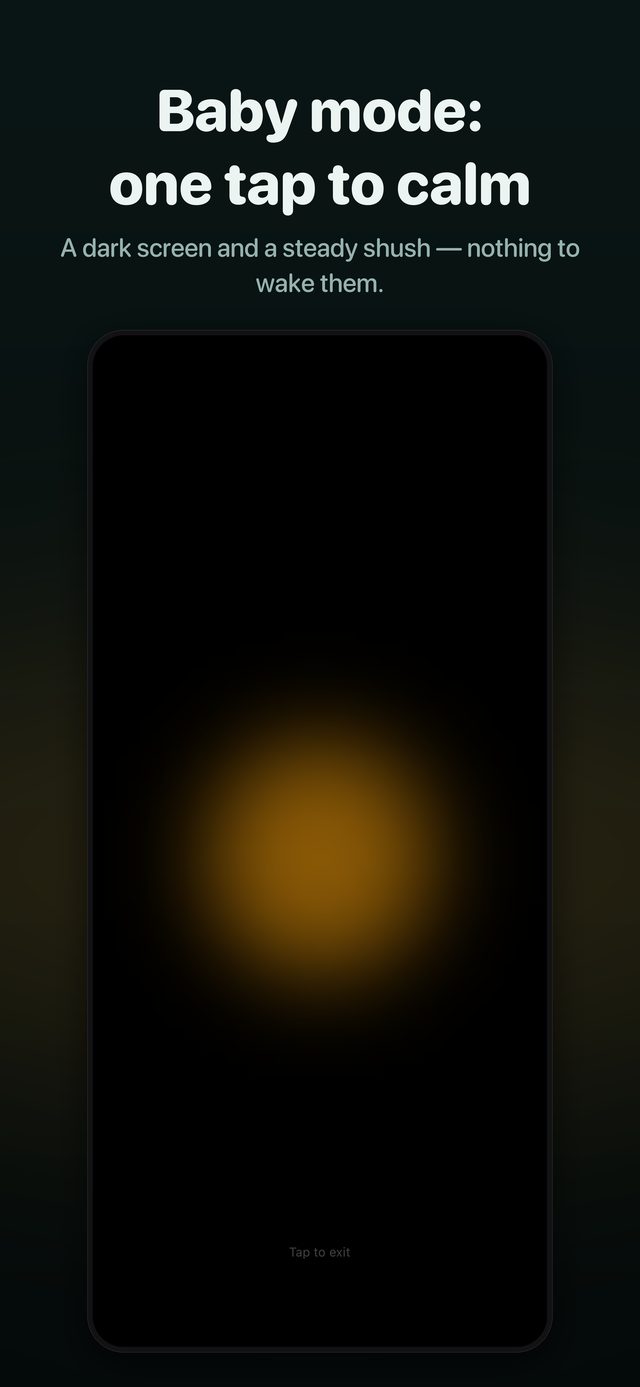
Gentle, loopable sounds picked for little ears.
No. Hush requires no account, no sign-in, and no email address. Open it and play.
Yes. Hush uses iOS background audio so it continues playing when you lock your phone, switch apps, or put the phone face-down.
Yes. There is no trial clock. All 10 sounds are free to play individually, forever. Pro adds the 4-layer mixer and sleep timer.
Many people find white, pink, or brown noise helpful for masking tinnitus. Hush is not a medical device and this is not medical advice — please consult a doctor for tinnitus concerns.
Pro is tied to your Apple ID via App Store. Sign into the same Apple ID on your new device, open Hush, and tap Restore Purchases.
 Kindling
 Ritual
 Luna Local